
Choosing the right accounting software is the first critical step in streamlining financial operations for any growing UK business. When it comes to cloud accounting, two names dominate the conversation: Xero and QuickBooks.
Whether you are a freelancer, a startup or a scaling SME, the decision between these two giants will shape your day-to-day bookkeeping, payroll and tax compliance for years to come.
In this updated 2026 guide, we break down Xero vs QuickBooks with the latest pricing, AI features and MTD for Income Tax requirements. That gives you the most current comparison available for UK businesses.
Key Takeaways
- Xero now runs five UK plans. Simple at £7, Ignite at £16, Grow at £33, Comprehensive at £47 and Ultimate at £59 per month, excluding VAT.
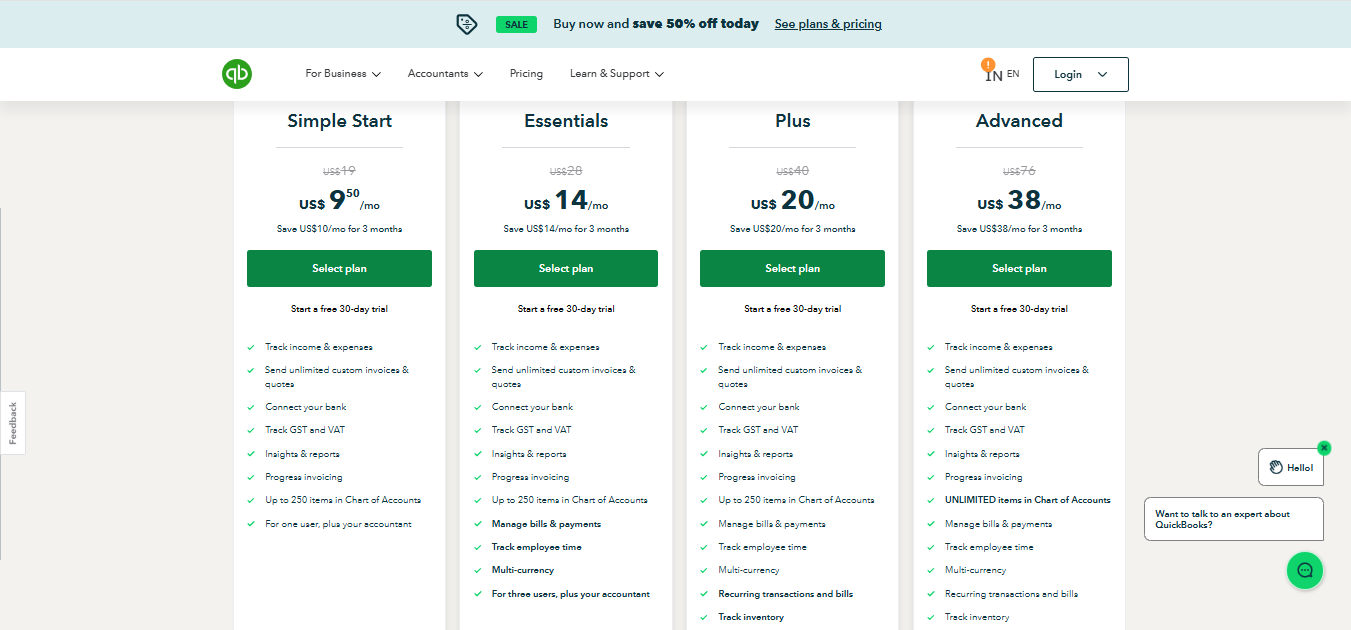
- QuickBooks runs five UK plans from £10 (Sole Trader) to £123 (Advanced) per month, with prices raised in January 2026.
- Xero is the most widely used cloud accounting platform among UK accountancy practices, which makes it the easier choice if you work with an accountant.
- QuickBooks wins on entry-level invoicing, included CIS, cheaper multi-currency and phone support.
- Both are HMRC-recognised for MTD for Income Tax, which becomes mandatory for £50,000-plus earners from 6 April 2026.
What is Xero?
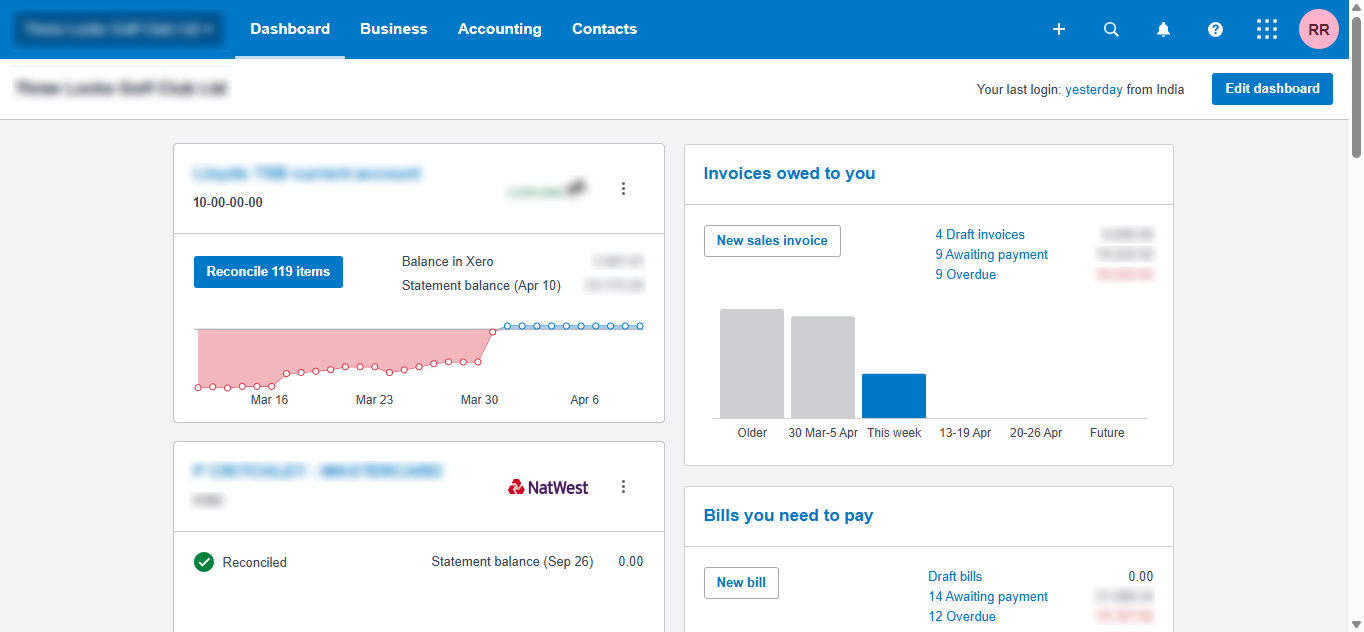
Xero is a leading cloud-based accounting platform founded in New Zealand. It serves more than 4 million subscribers worldwide and the UK is its second-largest market after Australia. Xero is known for a clean, intuitive interface built for non-accountants.
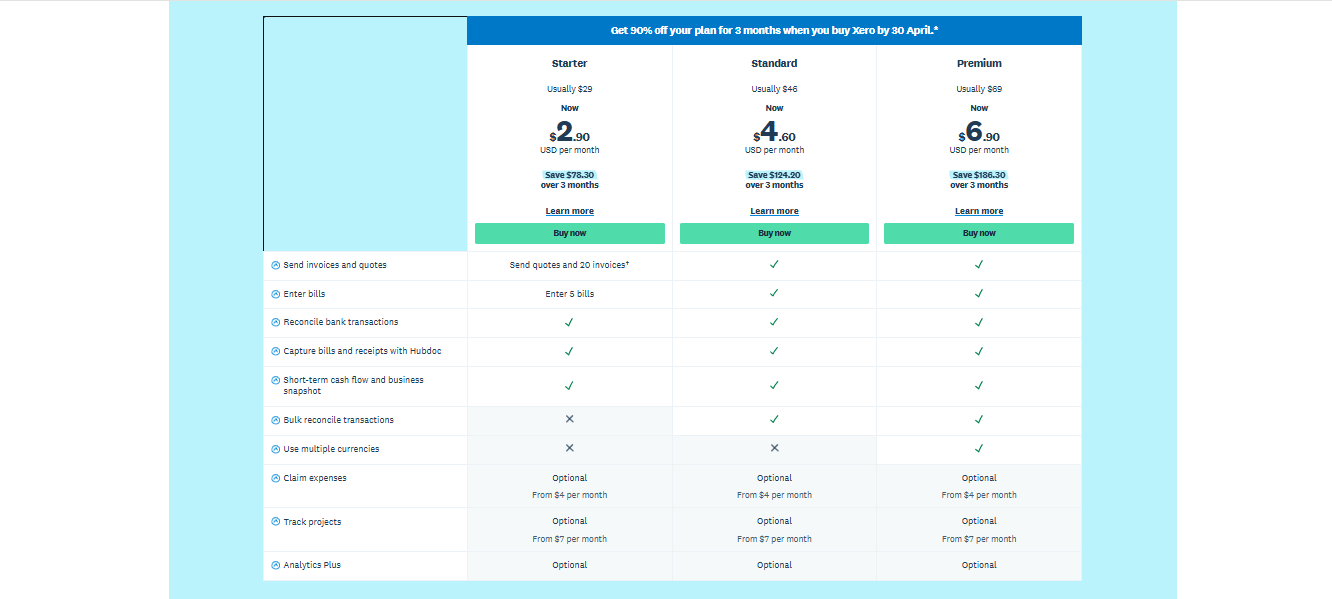
In September 2024 Xero replaced its old plan tiers. The Starter, Standard and Premium plans are gone. The current line-up is Simple, Ignite, Grow, Comprehensive and Ultimate.
What is QuickBooks?
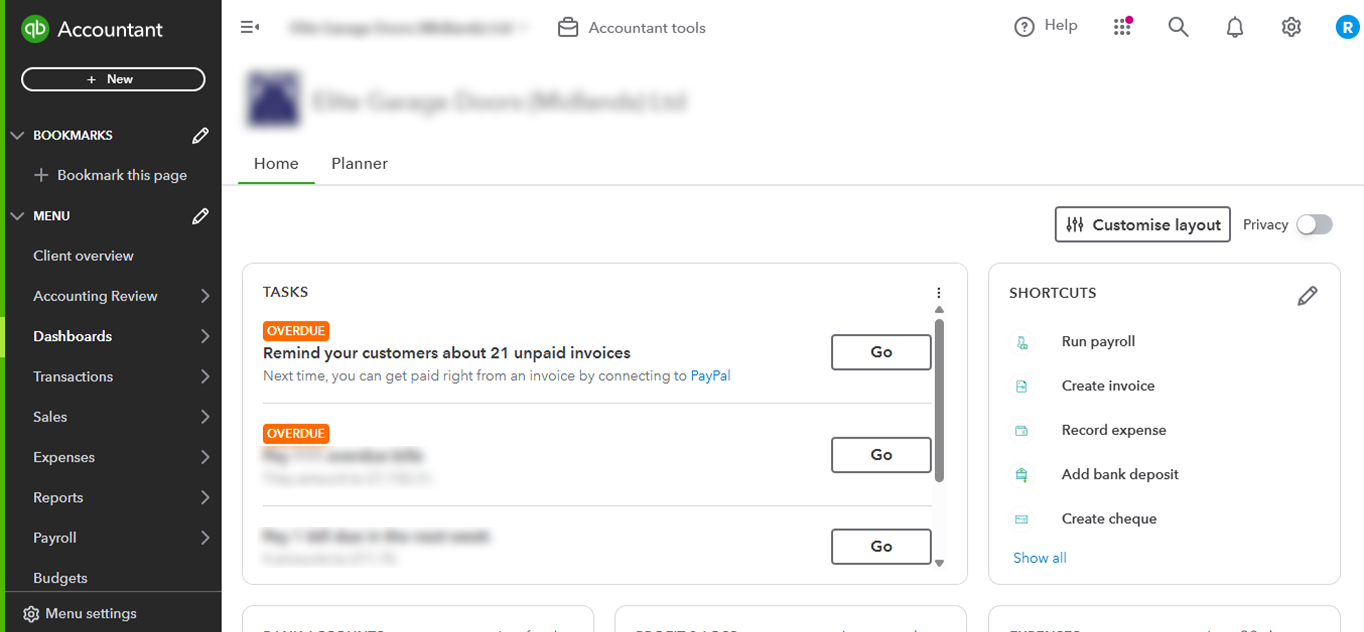
QuickBooks (owned by Intuit) is one of the most widely used accounting solutions in the world. While it has a huge US presence, QuickBooks Online UK offers a UK-specific experience for British SMEs, with strong tools for invoicing, inventory and expense tracking.
Note: QuickBooks discontinued its Desktop product for UK customers in 2023. QuickBooks Online is now the only UK version. QuickBooks Self-Employed is also being retired through 2026 and replaced by the QuickBooks Sole Trader plan.
Core Similarities Between Xero and QuickBooks
Both Xero and QuickBooks share several core functions:
- Cloud-based: Both platforms are accessible from anywhere.
- Income and expense tracking: Both monitor money in and out.
- Custom quotes and invoices: Users can automate and send custom quotes.
- Transaction reconciliation: Both offer fast bank reconciliation.
- Advanced reporting: Users get access to detailed reports.
- Mobile app: Both provide apps for on-the-go management.
- MTD for Income Tax (ITSA): Both support quarterly MTD ITSA submissions, which are essential from April 2026 for £50,000-plus earners.
- AI-powered bookkeeping: Both now include native AI. Xero has JAX (Just Ask Xero) and QuickBooks has Intuit Intelligence for automated categorisation and cashflow forecasting.
Key Differences: Xero vs QuickBooks for UK SMEs in 2026
Despite the overlap, the two platforms differ in ways that affect cost and workflow. Here are the differences that matter most for UK SMEs.
- User access: Xero allows unlimited users on all plans. QuickBooks restricts users by tier: 1 (Simple Start), 3 (Essentials), 5 (Plus) and 25 (Advanced).
- Invoicing limits: Xero Simple caps invoices at 10 a month and Ignite at 20. QuickBooks offers unlimited invoices on all plans.
- Inventory management: QuickBooks Plus and Advanced offer stronger inventory tracking. Xero’s built-in inventory is basic, so third-party apps are often needed for complex stock.
- CIS: QuickBooks includes CIS from Simple Start at no extra cost. Xero includes CIS calculations on every plan and CIS return submission from the Grow plan upward.
- Multi-currency: QuickBooks includes multi-currency from £38 a month (Essentials). Xero requires the Comprehensive plan at £47 a month.
- Customer support: QuickBooks offers phone and live chat support, seven days a week, free with all plans. Xero offers no phone support, only an online help centre and community forums.
- Security: Xero uses multi-factor authentication and bank-grade encryption. QuickBooks uses bank-level data encryption and fraud detection.
- Price increases: Both have raised prices. Xero restructured its plans in September 2024, which pushed many payroll users from the old Standard plan up to Comprehensive at £47 a month. QuickBooks raised UK prices in January 2026, with the Plus plan seeing the largest rise.
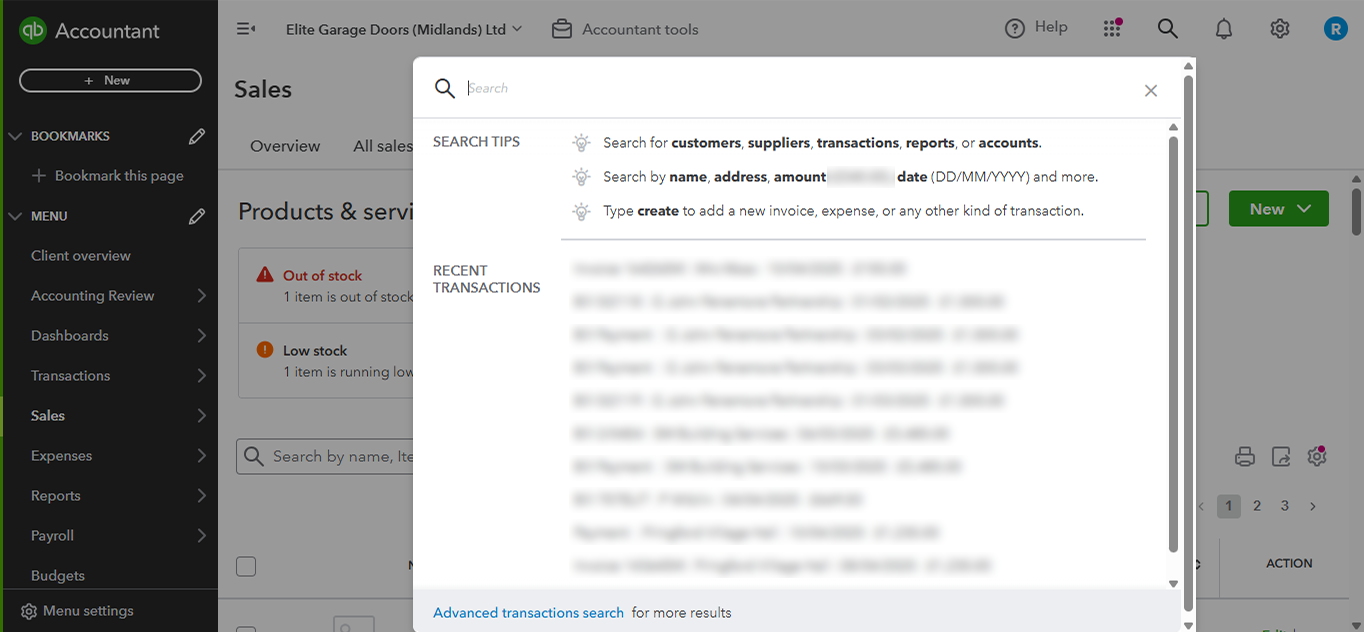
Xero can be harder for new users at first. Finding a feature often means searching for it, which takes a little time. QuickBooks, by contrast, displays most features directly on the dashboard, so functions are easier to find and many come pre-set.
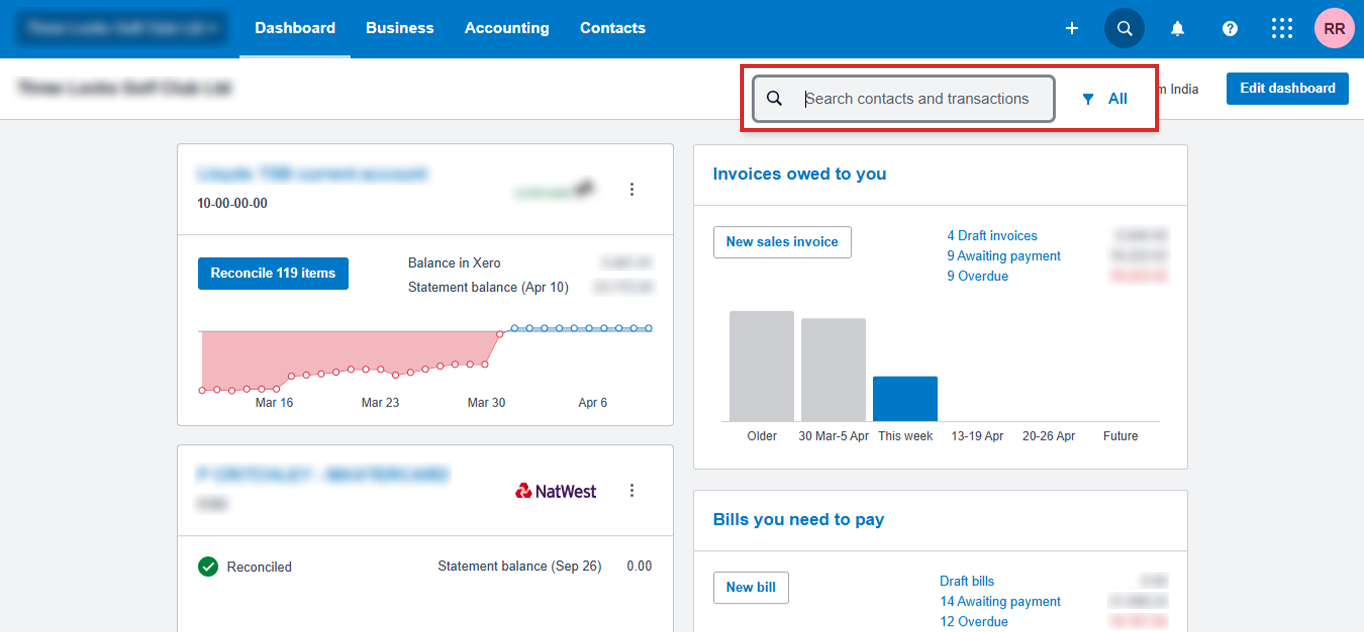
QuickBooks, on the other hand, displays most features directly on the dashboard. Searching is easier, and many functions come pre-set.
In-Depth Feature Comparison 2026
This table summarises how the two platforms compare on the features UK SMEs ask about most.
| Feature | Xero | QuickBooks | Winner |
|---|---|---|---|
| Entry-level price | £7/mo (Simple, non-VAT) | £10/mo (Sole Trader, non-VAT) | Xero (Simple) |
| VAT-ready entry price | £16/mo (Ignite) | £16/mo (Simple Start) | Tie |
| User limits | Unlimited on all plans | 1 to 25 (tiered by plan) | Xero |
| Invoicing (entry plan) | 10 (Simple) / 20 (Ignite) per month | Unlimited on all plans | QuickBooks |
| CIS | Calculations on all plans, returns from Grow (£33) | Included from Simple Start (£16) | QuickBooks |
| Multi-currency | £47/mo (Comprehensive) | £38/mo (Essentials) | QuickBooks |
| Inventory management | Basic built-in | Advanced from Plus plan | QuickBooks |
| Customer support | Online only, no phone | Phone and chat, 7 days a week | QuickBooks |
| Integrations | 1,000+ apps | 650+ apps | Xero |
| MTD ITSA compliance | Included on all plans | Included on all plans | Tie |
| AI features | JAX (Just Ask Xero) | Intuit Intelligence | Tie |
| Ease of use (Software Advice) | 4.5/5 | 4.2/5 | Xero |
| UK accountant ecosystem | Dominant in UK practices | Strong but secondary | Xero |
Note: Pricing and features change often. Always check the official websites for current rates.
Xero Simple vs Ignite: Which Entry Plan Do Sole Traders Need?
Xero added the Simple plan for sole traders and landlords filing under MTD for Income Tax. At £7 a month it is Xero’s cheapest tier, but it is deliberately limited.
Xero Simple covers MTD for Income Tax, bank reconciliation, Hubdoc and up to 10 invoices a month. It does not support MTD for VAT, payroll, multi-currency or project tracking.
Choose Ignite (£16 a month) instead if any of these apply. You are VAT-registered, you send more than 10 invoices a month, or you need to enter bills. For most non-VAT sole traders and single-property landlords, Simple is enough and saves £108 a year over Ignite.
Xero Leads the UK Cloud Accounting Market Among Practices
Xero is the most widely used cloud accounting platform among UK accountancy practices. That position matters more than raw user numbers, because accountant adoption drives software choice.
Globally, Xero passed 4 million subscribers in its 2025 financial year, with the UK as its second-largest market after Australia. QuickBooks parent Intuit has more total users worldwide, led by its dominance in North America, but it sits second to Xero inside UK practice workflows.
The practical takeaway is simple. If your accountant works in Xero, collaboration, file sharing and quarterly MTD reviews are smoother. If you manage finances independently, QuickBooks’ phone support and simpler setup may suit you better.
Pricing Comparison (2026 UK List Prices)
The table below sets out current UK list prices for both platforms. All figures exclude VAT and exclude introductory discounts, which both providers run regularly.
| Plan tier | Xero (UK) | QuickBooks (UK) | Best for |
|---|---|---|---|
| Entry (sole trader) | Simple £7 (10 invoices, no VAT) | Sole Trader £10 (Self Assessment, no VAT) | Non-VAT sole traders and landlords on MTD ITSA |
| VAT-ready entry | Ignite £16 (20 invoices) | Simple Start £16 (unlimited invoices) | VAT-registered freelancers and micro-businesses |
| Growth | Grow £33 (unlimited invoices, multi-user) | Essentials £38 (3 users, multi-currency) | Growing small teams |
| Scale | Comprehensive £47 / Ultimate £59 | Plus £50 / Advanced £123 | Larger SMEs and product-based businesses |
Note: If your business has a team of more than five people, Xero usually works out cheaper. It includes unlimited users on every plan, while QuickBooks charges by tier and caps user numbers.
Integrations and Add-ons for UK Businesses
Both platforms offer wide integration options. Xero integrates with over 1,000 apps including Stripe and Shopify. QuickBooks integrates with over 650 apps including Salesforce and Square. The right choice depends on the tools your business already runs.
User Experience and Ease of Use for UK SMEs
Xero is praised for its clean, modern interface. QuickBooks has a slightly steeper learning curve but puts more on the main dashboard. A Software Advice study rated Xero 4.5/5 for ease of use and QuickBooks 4.2/5.
Pros and Cons of Xero vs QuickBooks for UK SMEs
Xero pros
- Unlimited users on all plans. This is a major advantage for growing teams, and businesses with six or more users will usually pay less than on QuickBooks.
- Dominant UK accountant ecosystem. Most UK practices are Xero-certified, which makes collaboration easier.
- Cleaner, more modern interface, rated higher for ease of use.
- The largest app ecosystem of the two, with 1,000-plus integrations.
- A dedicated £7 Simple plan for non-VAT sole traders and landlords on MTD ITSA.
- AI cashflow forecasting built into the core platform.
Xero cons
- Invoicing limits on the Simple and Ignite plans.
- Basic built-in inventory management.
- No phone support.
- Multi-currency only from the £47 Comprehensive plan.
QuickBooks pros
- Unlimited invoices on all plans, with no caps at entry level.
- CIS included from Simple Start at no extra cost.
- Multi-currency from £38 a month (Essentials), cheaper than Xero’s threshold.
- Strong inventory management from the Plus plan, useful for product-based businesses.
- Phone and live chat support, seven days a week, on all paid plans.
- A £10 Sole Trader plan, the cheapest paid option for UK self-employed.
QuickBooks cons
- User caps by tier. Adding a fourth user forces an upgrade from Essentials to Plus, a notable cost jump.
- Less favoured by UK accountants. It is widely supported, but Xero dominates UK practice workflows.
- The Sole Trader plan does not handle VAT, so VAT-registered businesses need at least Simple Start.
- Annual price rises, including an increase across UK plans in January 2026.
- The most powerful AI features sit on the £123 Advanced plan.
Recommendations
Xero is the better fit for:
- Sole traders and landlords who want a low-cost MTD ITSA plan.
- Businesses that work closely with a UK accountant.
- Teams of six or more users.
QuickBooks Online is the better fit for:
- Product-based businesses that need strong inventory tracking.
- Construction firms that need CIS at entry level.
- Businesses that want phone support and multi-currency without paying a premium.
Data From User Reviews 2025/26
| Metric | Xero | QuickBooks |
|---|---|---|
| Ease of use | 4.5/5 | 4.2/5 |
| Customer support | 4.0/5 | 4.3/5 |
| Features and functionality | 4.3/5 | 4.5/5 |
| Value for money | 4.4/5 | 4.2/5 |
| UK accountant preference | Dominant | Strong secondary |
Xero users commend its intuitive design and the way it simplifies complex tasks. QuickBooks users value its reporting depth and its ability to handle more intricate processes. Some Xero users report basic reporting and limited customisation. Some QuickBooks users find the interface cluttered when starting out.
Impact on Productivity and Time Savings
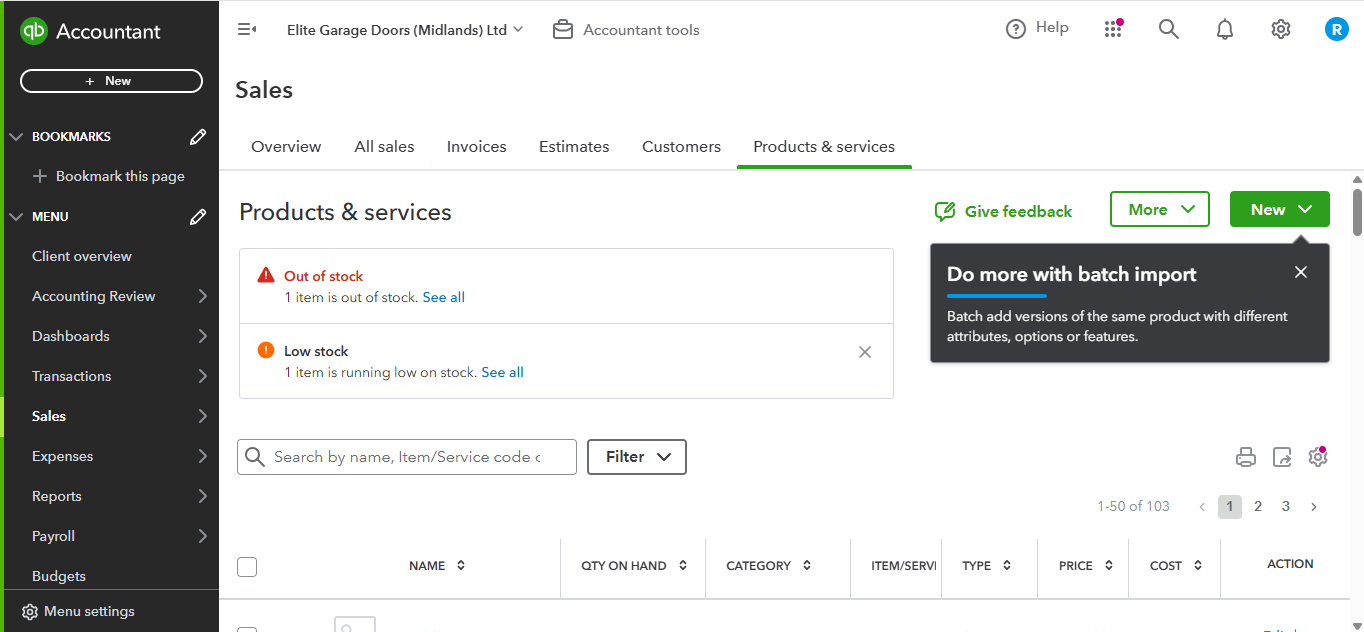
The right software directly affects productivity. Xero simplifies routine work like invoicing, which frees up owner time. QuickBooks automation in inventory and batch importing improves efficiency, which helps product-based businesses most.
According to a 2024 survey, businesses using Xero reported around 20% time savings. QuickBooks users saw similar results, with the exact figure depending on business complexity.
Data Security Measures
Both platforms prioritise data security. Xero uses multi-factor authentication and bank-grade encryption. QuickBooks uses data encryption and fraud detection. Evaluate which approach aligns best with your needs.
Conclusion
When comparing Xero vs QuickBooks for UK SMEs in 2026, the right choice depends on your business size, industry and compliance needs. The comparison has shifted since 2025 because of Xero’s plan restructuring, MTD ITSA going live and both platforms expanding their AI.
Xero remains ideal for sole traders, landlords and multi-user teams who value a modern interface and work with a UK accountant. Its new £7 Simple plan also makes it the cheapest entry point for non-VAT sole traders.
QuickBooks Online remains the better choice for product-based businesses, construction firms and those who want phone support. Its inclusion of CIS at entry level and cheaper multi-currency make it genuinely competitive for specific UK use cases.
Both platforms are HMRC-recognised for MTD for VAT and MTD for Income Tax. The key question in 2026 is which platform best supports your quarterly MTD ITSA workflow. For most UK businesses working with an accountant, Xero wins that test. For those managing finances independently, QuickBooks may be more practical.
If you would rather hand the whole thing over, Outbooks manages Xero and QuickBooks day-to-day for UK firms and businesses, including quarterly MTD submissions, reconciliation and VAT returns. To talk through which platform fits your business, contact our team on [phone] or [email].
Frequently Asked Questions
Is Xero better than QuickBooks for the UK in 2026?
For most UK SMEs working with an accountant, Xero is still preferred. It offers unlimited users and dominates UK practice workflows. QuickBooks has narrowed the gap on CIS, multi-currency and support.
What happened to Xero’s old plan names?
Xero replaced Starter, Standard and Premium from September 2024 with Simple, Ignite, Grow, Comprehensive and Ultimate. Comparable functionality to the old Standard plan now sits on the £47 Comprehensive plan.
Do Xero and QuickBooks support MTD for Income Tax?
Yes. Both are HMRC-recognised. From 6 April 2026, sole traders and landlords with qualifying income above £50,000 must use compatible software. The £30,000 threshold follows in April 2027.
Which is cheaper for a sole trader in 2026?
For non-VAT sole traders, Xero Simple at £7 a month is now the cheapest. QuickBooks Sole Trader costs £10 a month but includes a fuller feature set. VAT-registered traders need at least £16 on either platform.
Which software is better for construction businesses?
QuickBooks. CIS is included from Simple Start at £16 a month. Xero includes CIS calculations on all plans but only adds CIS return submission from the £33 Grow plan upward.
Can I switch from QuickBooks to Xero, or the other way?
Yes. Both offer data migration. Outbooks can manage the full transition, verify data integrity afterwards and set up your MTD ITSA quarterly reporting workflow.

Parul is a content specialist with expertise in accounting and bookkeeping. Her writing covers a wide range of accounting topics such as payroll, financial reporting and more. Her content is well-researched and she has a strong understanding of accounting terms and industry-specific terminologies. As a subject matter expert, she simplifies complex concepts into clear, practical insights, helping businesses with accurate tips and solutions to make informed decisions.